Troubleshooting client users login Issues
When clients report they cannot log back into DecisionVault, the issue is usually not a technical error but confusion around the login process or account creation process.
How Clients Create an Account
The most important step is that clients use the standard links your firm provides. These links guide them to start a questionnaire and, in the process, create their account. If they use those links, the system automatically sets them up correctly.
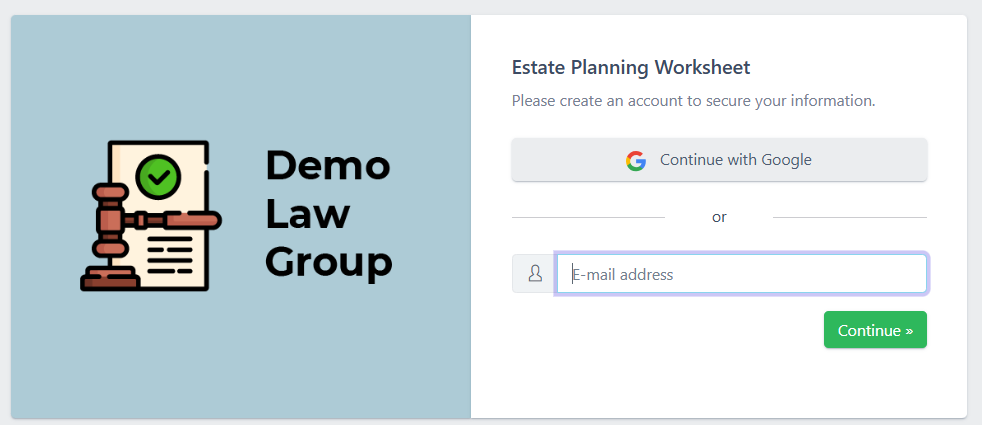
If they skip this and try to log in directly before having an account, they’ll run into a dead end. For more detail on getting clients into the system the right way, refer to the other articles linked below.
How Clients Can Log In
Once an account exists, clients can log in in different ways::
- with Google,
- with a password, or
- with a magic link.
DecisionVault automatically matches accounts by email address, so it doesn’t matter if they originally signed up with a password and later use Google sign-in (or vice versa). They’ll still get into the same account.

The magic link option is often the simplest. After entering their email, clients can request a link and will receive an email with a blue Log in button. Clicking it logs them in right away without needing a password, and the link is valid for one full hour giving them plenty of time to find and use it.
If a client still cannot access their account after confirming their email, trying the correct link, and using either a password or magic link, firms should check that the client was indeed invited or sent through the correct standard link. If the issue persists, gather a screenshot or description and contact DecisionVault Support.
Tip for firms: The biggest way to prevent login problems is to ensure clients always start through your standard links. Once the account is created, they can log in however they like and the system will keep them tied to the same account automatically.